If the machine in front of you is not Windows, stop. GitHub assets on the current tag are MSI, zip, 7z, and MSIX. The README does not document brew, snap, apt, or a phone package. Alternative versions on other operating systems are listed on windirstat.net. Home: home. Longer Windows notes: Windows install. Safe fetch: download-safe.
What this PC needs
App Installer supplies winget on Windows 10 version 1809 or later and on Windows 11. Get it from Microsoft if the command is missing. The app is native C++ built with Visual Studio 2022, and the README names no .NET runtime and no WebView2. ARM64 Windows wants WinDirStat-arm64.msi. x86 Windows wants WinDirStat-x86.msi. x64 remains the default on most desktops.
| Need | Why |
|---|---|
| Windows 7, 8, 8.1, 10, or 11 | README Compatibility. Server 2008 R2 through 2025 also listed. |
| x64, x86, or ARM64 match | The current GitHub tag lists all three MSI names. Take the same architecture as the PC. |
| App Installer | Provides winget. Store listing: Microsoft App Installer. |
| Disk to scan | Local drives, selected drives, or one folder. No cloud account. |
App Installer: Microsoft App Installer. Winget howto: how to install winget. README says 2.x may work on older or newer systems but those are not supported.
Install with winget
The maintained package id in microsoft/winget-pkgs is WinDirStat.WinDirStat. Installer type is WiX. Scope is machine. The installer URL on that manifest is the GitHub MSI. README prints this line. Default install location is %ProgramFiles%\WinDirStat on x64 and ARM64, and %ProgramFiles(x86)%\WinDirStat on x86.
winget install -e --id WinDirStat.WinDirStatPaste it in Windows Terminal or PowerShell, wait for the machine-scope MSI to finish, then launch from the Start menu. Which file if you skip winget: releases. Winget-only notes: winget install.
Install with the GitHub MSI
Open GitHub Releases for windirstat/windirstat. Default take is WinDirStat-x64.msi. ARM64 and x86 MSI files sit on the same tag. Portable zip, portable 7z, and MSIX are also official. Full x64 MSI is the default for a normal desktop. Portable versus MSI: portable or MSI. Hashes file is checksums. DebugSymbols is for developers.
Microsoft Store listing 9ph1gl95p3wf, Chocolatey, and Scoop are supporting doors the README names. Pick one channel and stay on it.
First scan on this PC
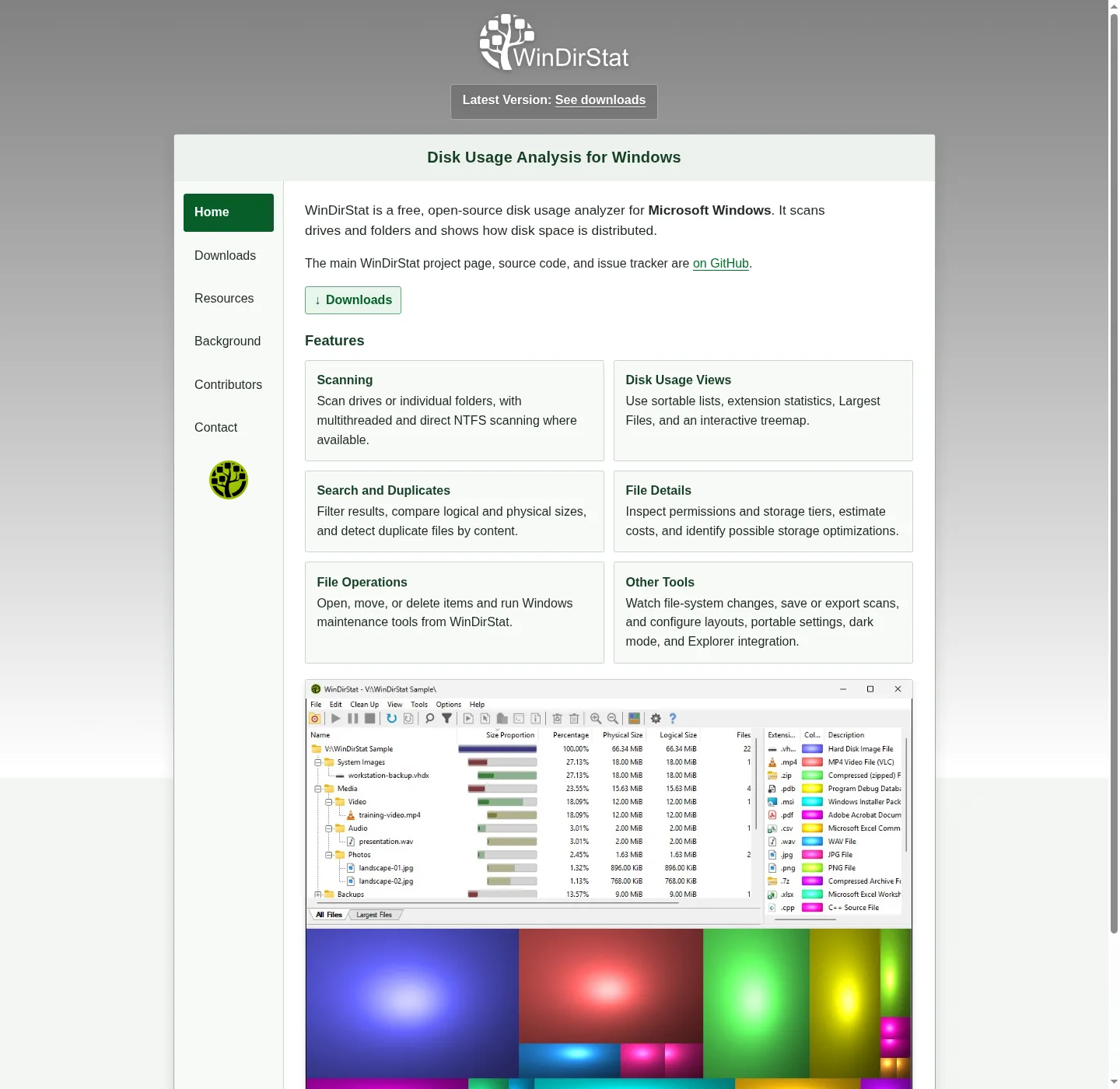
Launch from the Start menu, pick one folder you already understand, run the scan, and wait until the treemap stops growing, then sort the directory tree, open the extension list, and click a large rectangle to confirm it is a file you recognize. Then scan a real drive if that is the job. Treemap: read the treemap. Large files: find large files. Disk analyzer job: disk analyzer.
Elevated scans are a README option when a folder is locked, so start unelevated, and portable settings are a README option if you unpack a zip. Explorer context-menu integration is listed if you want scan from a folder. Dark mode is listed. None of those require an account.
If two copies run, quit extras. Do not stack a portable zip next to a winget copy for the same job until you know which one you mean to keep. Storage settings versus a scan: check storage on a PC.
Update and uninstall
Use the same door you used to install. Upgrade with winget upgrade -e --id WinDirStat.WinDirStat, or take a new MSI from GitHub Releases. Store updates through the Store. Uninstall from Apps settings, or winget uninstall WinDirStat.WinDirStat. Extra unsigned exes on the Desktop belong in the recycle bin after the official copy works. Extra copies: off Explorer Properties. Safe notes: is it safe.
Store, Chocolatey, and Scoop
README lists Microsoft Store id 9ph1gl95p3wf, choco install windirstat, and scoop install extras/windirstat after scoop bucket add extras. These notes still map winget and GitHub. Pick one channel so two copies do not fight. Repo facts: GitHub. Guides index: guides. Compare WizTree: vs WizTree.
Frequently asked questions
What does it need on this computer?
Windows from the Compatibility list, and winget or the GitHub MSI. No account. No .NET runtime named in the README. Scans stay on the PC.
Why is there no window after install?
Match x64, ARM64, or x86 to the PC. Mixing those is a common miss. Confirm the Start menu shortcut from the MSI. Portable users run the exe inside the unpacked folder for their CPU.
Is Microsoft Store allowed?
README lists Store id 9ph1gl95p3wf. These notes still map winget and GitHub Releases as the primary Windows path.
Can I keep a portable zip and a winget copy?
You can, but pick one for the job you are doing. Two copies is how people scan the wrong tree.
Where do I file a product bug?
WinDirStat issues. Contact notes: contact.